You open your phone to check one thing. Forty minutes later you're deep in a feed you didn't choose, reading things that make you feel a little worse, and you can't quite remember why you picked the phone up in the first place.
That's doomscrolling: the habit of endlessly scrolling through content (often negative or anxious) long after it stopped being useful or fun. If you've tried to "just use your phone less" and it didn't stick, that's not a character flaw. Feeds are designed to be hard to put down. The fix isn't more willpower. It's better habits and a little friction in the right places.
Here's what actually helps.
Why doomscrolling is so hard to stop
Most feeds share three traits that make them sticky:
- They never end. Infinite scroll removes the natural stopping points a magazine or TV episode would give you.
- They're unpredictable. Every swipe might show something great, so your brain keeps checking.
- They're always within reach. Your phone is in your pocket, on your desk, and next to your bed.
When something is endless, rewarding at random, and always available, "I'll stop in a minute" rarely works. So instead of fighting your brain, change the setup.
1. Notice your doomscrolling triggers
Doomscrolling usually starts at the same moments: waking up, waiting in line, avoiding a task, or lying in bed. For a couple of days, just notice when you reach for your phone and what you were feeling right before. Bored? Anxious? Tired?
You don't need to fix anything yet. Naming the trigger is what makes the next steps work, because now you know exactly where to put a speed bump.
2. Pick the one or two apps that get you
Most people don't have a "phone problem." They have a problem with one or two apps. Usually it's a short-video app, a social feed, or a news app.
Pick those specific apps and leave everything else alone. Limiting your whole phone feels like punishment. Limiting the two apps that eat your evenings feels like a reasonable trade.
3. Set app limits you'll actually respect
Daily limits work best when they're realistic. If you currently spend two hours a day on an app, a 15-minute limit will just get ignored. Start with something you can hit, like cutting 20–30% at first, then tighten it every week or two.
On iPhone you can do this in Settings → Screen Time → App Limits. We walk through every setting step by step in our guide on how to reduce screen time on iPhone.
4. Add friction, remove temptation
Small inconveniences make a surprisingly big difference:
- Move your problem apps off the home screen and into a folder on the last page.
- Log out of the app so getting in takes an extra step.
- Turn off badges and non-essential notifications so the app can't pull you back in.
- Try grayscale mode in the evening. A colorless feed is a lot less tempting.
None of these block anything. They just give your intentional brain a two-second head start on your autopilot brain.
5. Make your bedroom a phone-free zone
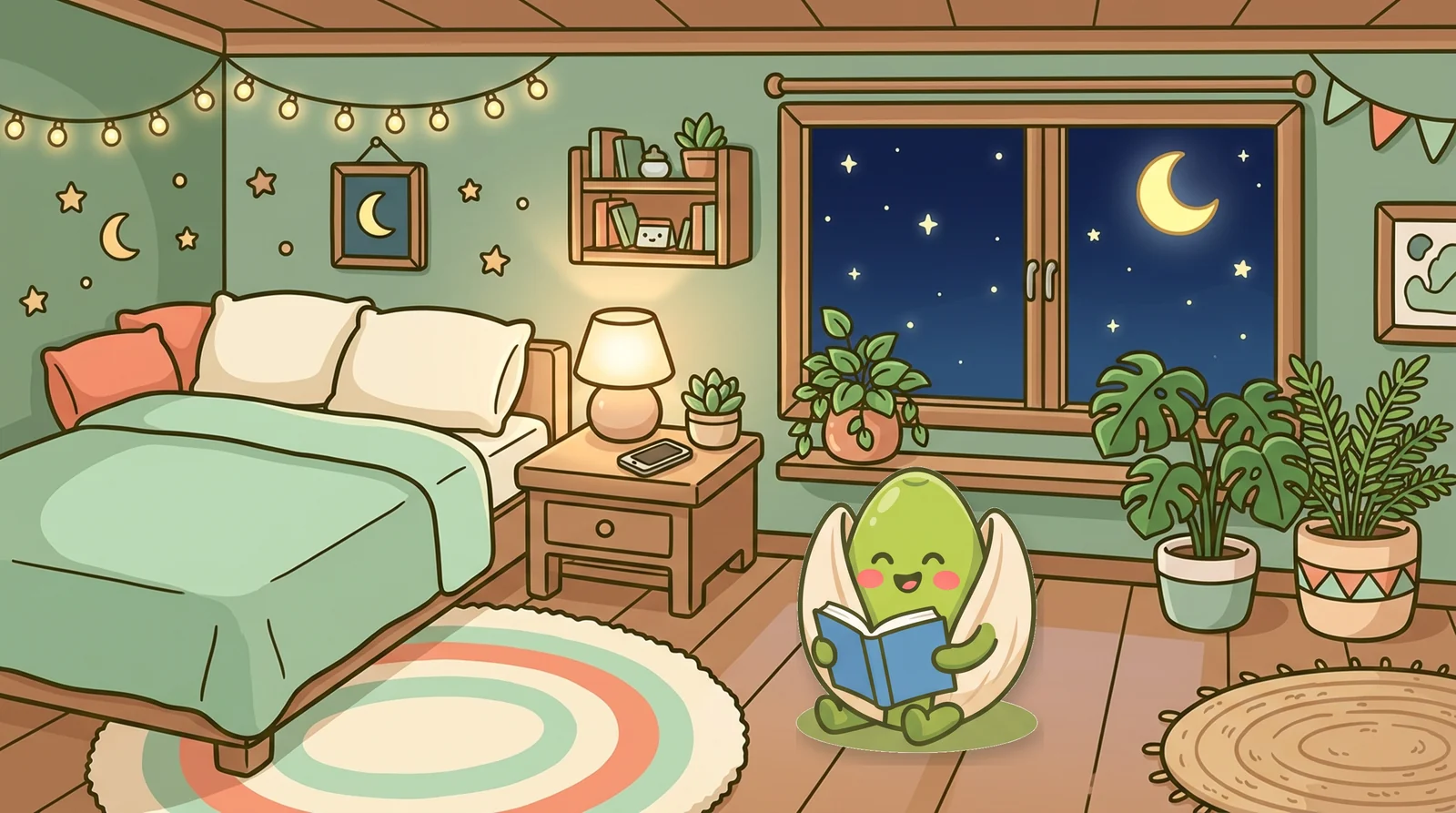
Scrolling in bed is the most common doomscroll of all, and it's the most costly, because it pushes back sleep. Charge your phone across the room or outside the bedroom, and use a cheap alarm clock instead.
If that feels like too much, start with a rule like "no phone after I turn the lamp off" and keep a book or journal on the nightstand so your hands have something else to reach for.
6. Swap the scroll for something specific
"Use my phone less" leaves a gap, and a gap gets filled by scrolling. Decide in advance what you'll do instead in your trigger moments:
- Waiting in line → read a few pages of a book saved on your phone, or just people-watch.
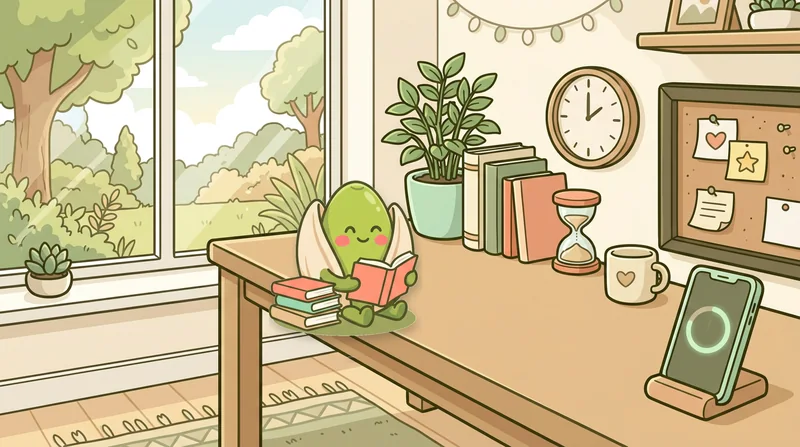
- Avoiding work → a 20-minute focus session with your phone in another room.
- Evening wind-down → cook something, tidy one surface, take a short walk, or journal.
Need ideas? Here are 15 things to do instead of scrolling that don't require any willpower to start.
7. Use a "done list" for the news
If your doomscrolling is mostly news, give yourself a set time and a set source. Check once at lunch from one outlet, then stop. You'll stay informed without the endless loop of updates that mostly repeat what you already read.
8. Track it so you can see it
It's easy to underestimate scrolling. Five minutes here and there adds up to hours, and you don't feel it happening. Check your screen time once a week, not to judge yourself but to notice patterns. What day was worst? What app? What time?
Progress you can see is progress you'll keep making.
9. Make it a little bit fun
Habits stick when they feel rewarding. Streaks, small rewards, and visible progress all help. It's the same reason fitness apps give you rings and badges.
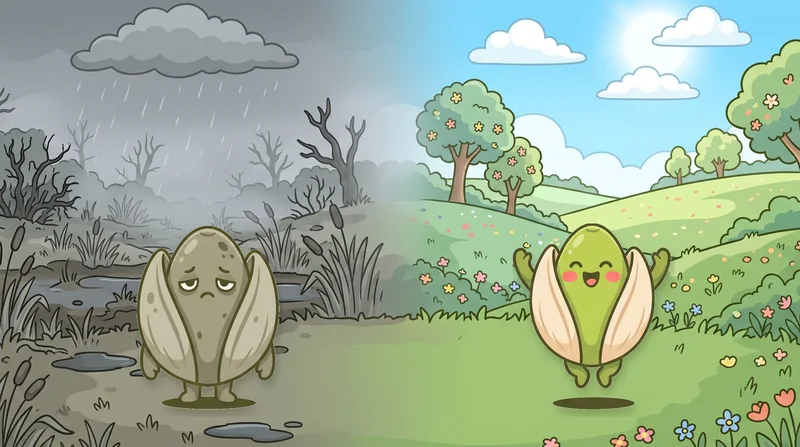
That idea is exactly why we built Brainripe. You pick the apps you want to use less, and a little buddy on your home screen reflects how you're doing. Stay under your limits and it stays fresh and ripe. Doomscroll past them and it starts to rot. Real-life habits like focus sessions, walks, and reading earn fruit you can spend building out your buddy's island. It turns "stop doomscrolling" from a chore into something you actually want to keep up.
A simple plan to stop doomscrolling this week
If you only do three things, do these:
- Name your trigger app and set a daily limit you'll respect.
- Charge your phone outside the bedroom tonight.
- Pick one swap, like a book, a walk, or a 20-minute focus session, for your most common scroll moment.
Then check back in a week. You don't need to be perfect. Every evening you don't lose to the feed is a win.
Doomscrolling FAQ
Is doomscrolling bad for you? Occasional scrolling is fine. The problem is the habit of scrolling for long stretches, especially at night or through upsetting content, when it crowds out sleep, focus, and real-life time. If you often feel drained or anxious after scrolling, that's a sign it's worth cutting back.
How long does it take to stop doomscrolling? Most people notice a difference within a week or two of adding friction and app limits. Making it automatic takes longer, so focus on consistency over perfection.
Should I delete social media completely? You can, but you don't have to. For many people, limiting one or two apps and keeping the phone out of the bedroom gets most of the benefit without going cold turkey.
Want to understand the bigger picture? Read what brain rot is and how to recover.

Give your screen time a buddy.
Brainripe ripens when you stay under your app limits and rots when you doomscroll. Build real habits, earn fruit, and grow your island.
Coming soon to theApp Store